
- Dec 5, 2024
The hidden curriculum of coding
- Courtney Weaver
- Digital Literacy, Coding, Curriculum
- 0 comments
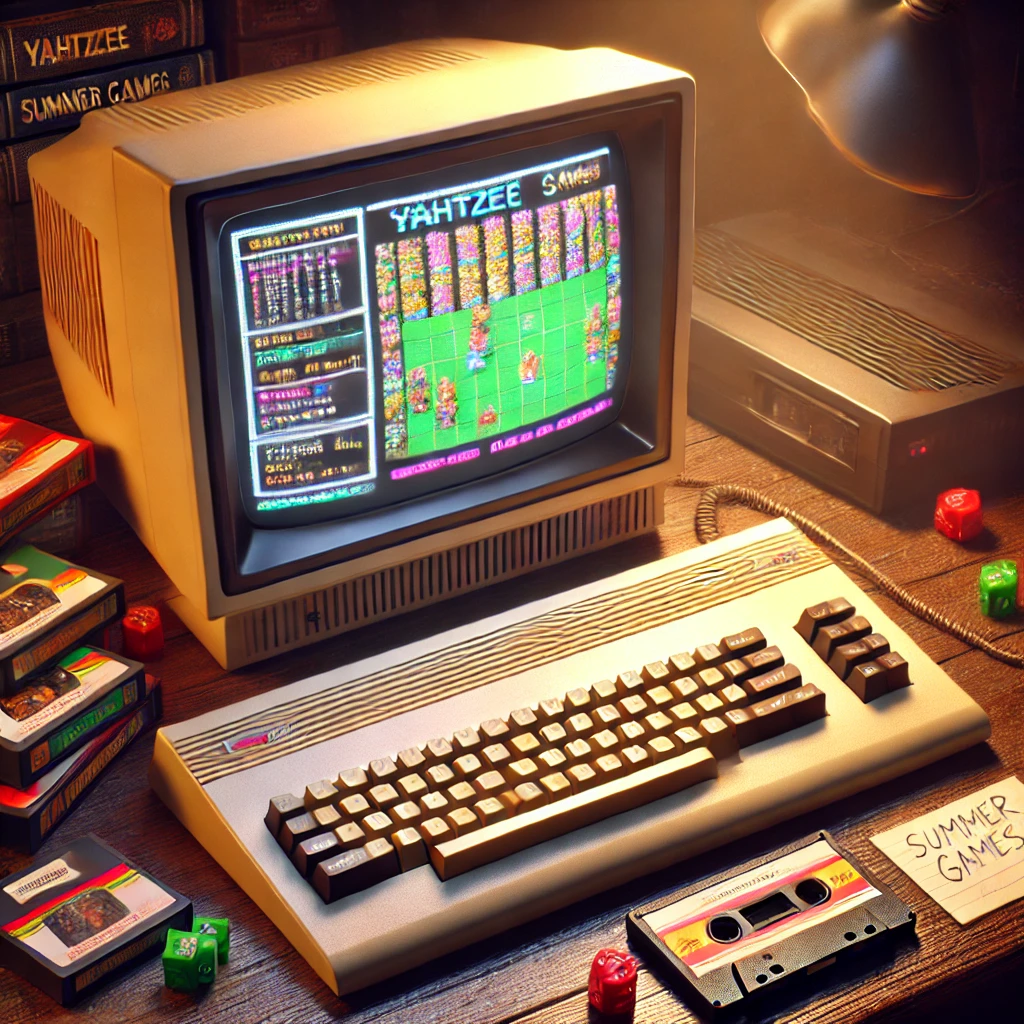
I was about 4 years old when my parents brought home our first computer - a Commodore 64. I have a great deal of nostalgia for Summer Games and Yahtzee in particular although attempting to play them on the recent C64 re-release made me question my recollection. That joystick was HARD to use! Even as a young child, I remember inserting the cassette tapes and typing into the command line interface to start the games followed by waiting what seemed like hours (and possibly actually was?) for them to load.
In my middle primary years, we upgraded to a brand new 386 with Windows 3.11. Again, after turning on the machine, I was confronted with a command line interface that required me to type in "windows.exe" in order to access the graphical user interface. From this, I understood that the graphical user interface was something that sat on top of the rest of the seemingly magical workings of the computer. I knew that the computer had something called a "C drive" because I always saw C:\ when I started the machine and I knew that this is where the files and folders were stored.
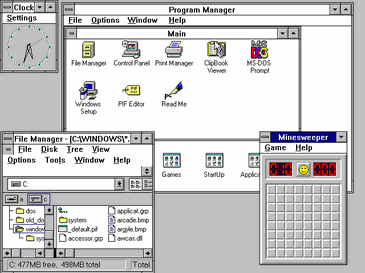
With each release of both the Mac and Windows operating systems, new devices such as iPads and phones and the move to using cloud storage like iCloud and OneDrive integrated into our operating systems, we are adding yet more layers of abstraction away from how computers work "under the hood". This is great in terms of intuitive usability but when we begin to attempt to teach the Digital Technologies curriculum, and coding in particular, we can start to run into some problems around the knowledge we assume students will have.
I was shocked at the level of students' basic computing skills when I first went into a classroom as a pre-service teacher. The most obvious issue was around simple file management which was practically non-existent. Students didn't know where files were saved, how to find them once they had saved them, the difference between Save and Save As and didn't know how to create folders or navigate them. There was no knowledge of different file types and using file extensions as an indicator to differentiate them, largely because we have the file extension visibility turned off by default. Many students didn't know which applications were best to use for certain purposes and there was a lack of ability to transfer the knowledge from one application to another (eg. the ribbon in MS Office applications is consistent across all platforms). I now know this wasn't isolated to my school, with NAPICT results showing that less than 50% of Year 10 students have Digital Literacy proficiency.
I have already blogged about the NAPICT results and the potential causes and solutions so in this post, I want to focus on the impact that this is having on our ability to teach the Digital Technologies curriculum, specifically coding in the early secondary years of schooling.
Have you ever stopped to think about the different skills that are not mentioned explicitly in the curriculum that we assume students know, understand and can do when it comes to coding, particularly in a text-based language?
For example:
File management
Keyboard skills
Knowledge of the Input - Processing - Output (IPO) model that all computer programs are based on
Familiarity with the functions and features of an Integrated Development Environment (IDE)
Understanding of how a command line (or text-based) interface works because students have only ever used a graphical user interface (GUI)
Other literacy and numeracy skills to comprehend the problems facing them
What impact does this have on teaching coding?
Teaching coding
According to the Australian Curriculum, students are expected to be coding in a general-purpose, or text-based, programming language by the end of year 8. Prior to this, most students are using a block-based coding language, focusing on computational thinking concepts without needing to worry too much about syntax. Whilst there are certainly aspects of hidden curriculum here that we need to consider, it is in the early years of secondary when moving to the text based languages that the issues become especially prominent.
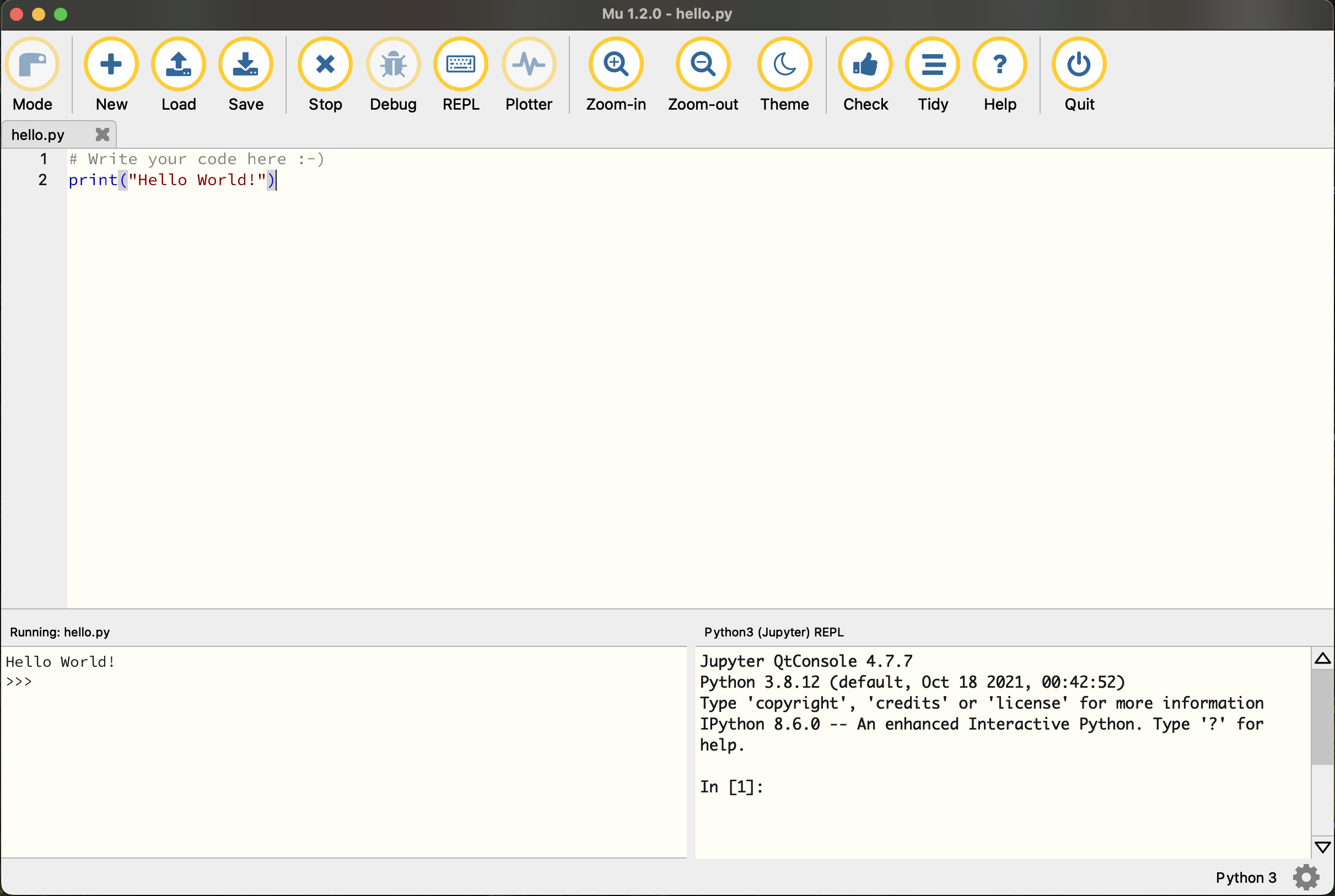
Let's think for a minute about what students need to know and be able to do in order to start writing code such as Python in a school with a BYOD program using an IDE such as Mu.
-
Download and install an IDE and possibly Python itself which involves:
Navigating to the correct website
Find the downloads page
Download the correct version of the IDE for their machine
Find where it is installed
Run through the installer
Deal with any permissions issues which may arise
Understand the basics of the IPO model
Understand that there is an area where the code will be written, and a second area where it will display when it is run (and possibly other functions and features as well)
Create a new Python file in a logical location that they can find again with the file extension .py and that they have access to execute
Write some code with the correct syntax (possibly involving the tab key!)
Save the file (understand the difference between Save and Save As)
Run the file
Know that basic Python only has one method of input (keyboard) and output (text on the monitor) - ability to use a Command Line Interface
It is, of course, possible for us to negate some of these steps by using an online platform with an in uilt code editor, especially to learn the initial stages of coding, but we do need students to apply what they have learnt beyond completing exercises in such a course. We can have students continue using an online IDE such as repl.it but many of these are experiencing increasing costs or schools are not able to use them due to privacy controls.
However, asking students to use a development environment local to their machine is precisely the opportunity we need to explicitly teach skills in ‘managing and operating digital tools’ that students need. So what can you do to help ease students begin to navigate some of these aspects of the hidden curriculum?
Practical tips to develop skills in managing and operating digital tools
Explicitly guide your students through the process of getting set up. This includes downloading, installing and running their first program which should be provided by you and not written by them from scratch. Find a great starter program that students can use here.
Have a PDF, web page or video with links to the sites you need and step by step instructions to make things easier and to support students who may miss class. Customise these to your school environments if possible.
Make parents aware of the need to install these programs and ensure that suitable permissions are granted for access to download and install your chosen IDE.
Turn on file extension visibility in your file explorer program so that students begin to see the different types of files that applications create. This is a great time to re-visit Data Representation.
In linking to Digital Systems content from their primary years, have students identify different input and output devices and identify that in our basic python programs, they will have only the keyboard and monitor for this.
Have students play a text adventure game such as those found on this list or download my sample that students can use in their own IDE to experience how command line interfaces work.
Link command line interfaces to interfaces that they are familiar with and have students use the same fields in two different interfaces to achieve the same task.
What are the aspects of hidden curriculum that you have noticed? How can we support students and teachers to overcome them?